
What Kind of Window Suits a Home Office Full of Screens?
A suitable home-office window provides useful daylight and a view while allowing control of glare, heat and ventilation. Its success depends on the workstation layout as well as the frame and glass. A brighter room is not automatically an easier place to use several screens.
Start by observing the desk through the working day. Moving a monitor, changing the desk position or adding adjustable shading may address the problem before replacement is considered. Where new glazing is justified, specify it around the occupied room, including lighting, privacy and noise. This guide uses UK workplace guidance for practical context, with building regulations discussed in an England-focused setting.
Where Should the Desk Sit in Relation to the Window?
Look at the room from the seated working position. A bright window in front of the user can create a strong contrast with the display, while one behind may appear as a reflection in the screen. With several monitors, their different angles can reveal separate sources of glare. The first task is to identify what is being reflected or seen.
Daylight arriving from the side is a useful starting arrangement to test. HSE’s display-screen guidance explains the relationship between workstation position, bright sources and reflections. Treat the layout as something to assess in the actual room, rather than a fixed rule that overrides circulation, multiple screens, the working task or other relevant requirements.
Try practical changes before altering the building. A modest rotation of a monitor or movement of the desk can change the reflection without losing the view altogether. Check the result during the hours that previously caused difficulty. A layout that works on a cloudy morning may behave differently when direct sun reaches the same window later.
Record the successful arrangement when developing a renovation brief. Show the desk, screen angles and occupied positions on the plan, including any future flexibility needed. That gives the glazing and interior-design team a stronger starting point than selecting an opening on the assumption that the workstation can be placed anywhere once the room has been completed.
How Much Daylight Is Useful at a Screen-Based Desk?
Useful daylight depends on its distribution and control. A large bright area beside a dim working surface can create a different experience from more evenly balanced light. Review the screen, documents, desk and surrounding room together. The objective is a workable visual environment, with enough light for the tasks and a practical response to changing conditions.
Orientation helps explain the pattern but does not settle it alone. Nearby buildings, trees, sky brightness and reflections from outside surfaces can all influence what reaches the desk. Even a north-facing window needs assessment for brightness and reflected light. Avoid assuming that one compass direction makes glare impossible or removes the need for adjustable control.
Artificial lighting needs considering alongside daylight. HSE’s lighting guidance discusses reflections from directional light and the importance of the occupied environment. Check lamps and ceiling fittings from the working position, especially when the room is used after dark. Changing the window cannot resolve every reflection produced by the lighting within the room.
For new work, compare window position, area and room depth with the layout. A smaller well-positioned opening with effective shading may serve the brief better than an unmanageable glazed wall. Where visual requirements are demanding, involve an appropriate lighting or workstation specialist. The glazing proposal should support that assessment rather than promise a universal level of comfort from glass area alone.
Which Window Types Fit the Workstation and Room?
Choose an opening arrangement that works around the furniture and controls. An inward-opening sash may need clearance beside monitors, while an outward-opening casement needs its external surroundings considered. Sliding and fixed arrangements have different practical characteristics. Check the proposed system at the actual dimensions and height rather than judging operation through a catalogue image.
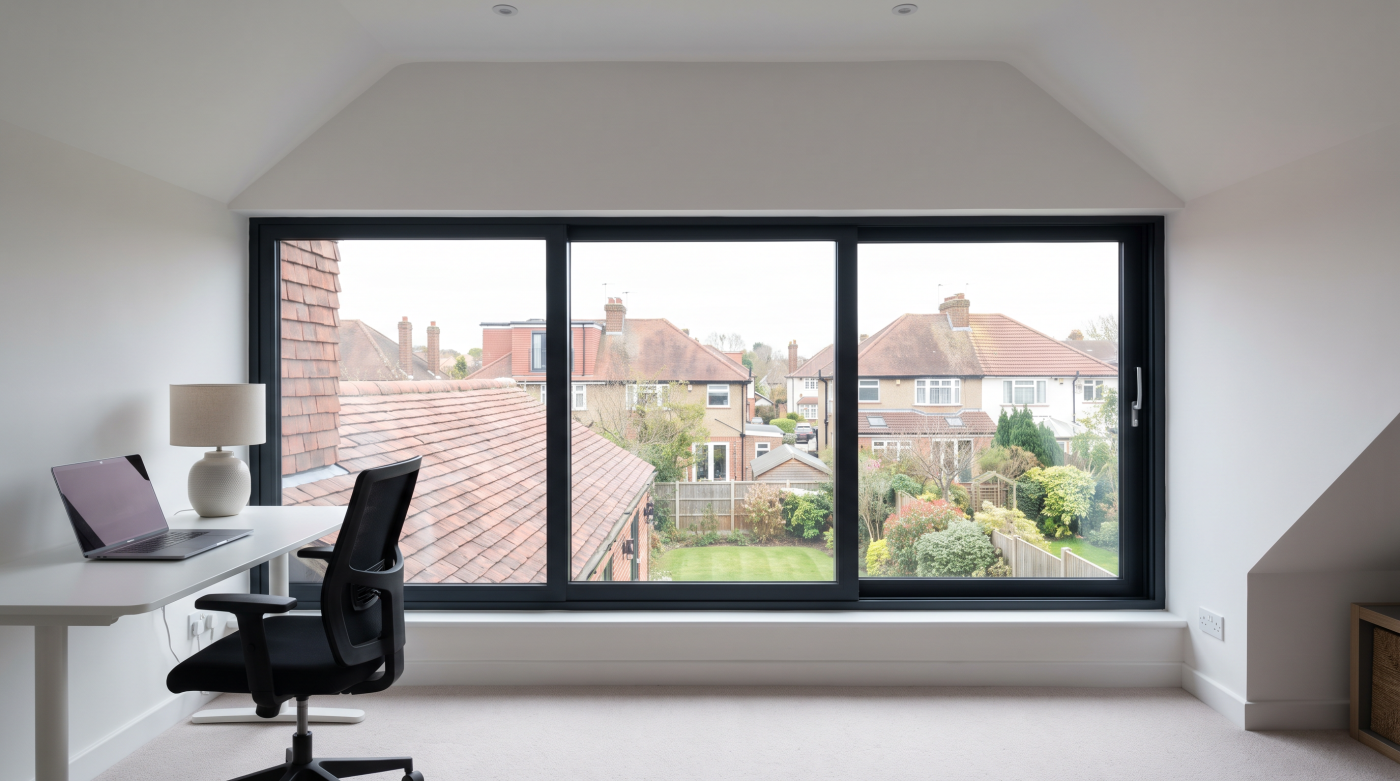
A fixed pane can provide a view without a sash moving across the desk, but it cannot supply an opening function for ventilation. A combination with an accessible opening elsewhere may suit the room. The relationship between the parts should be deliberate, so a useful view is not gained at the expense of a workable ventilation or maintenance arrangement.
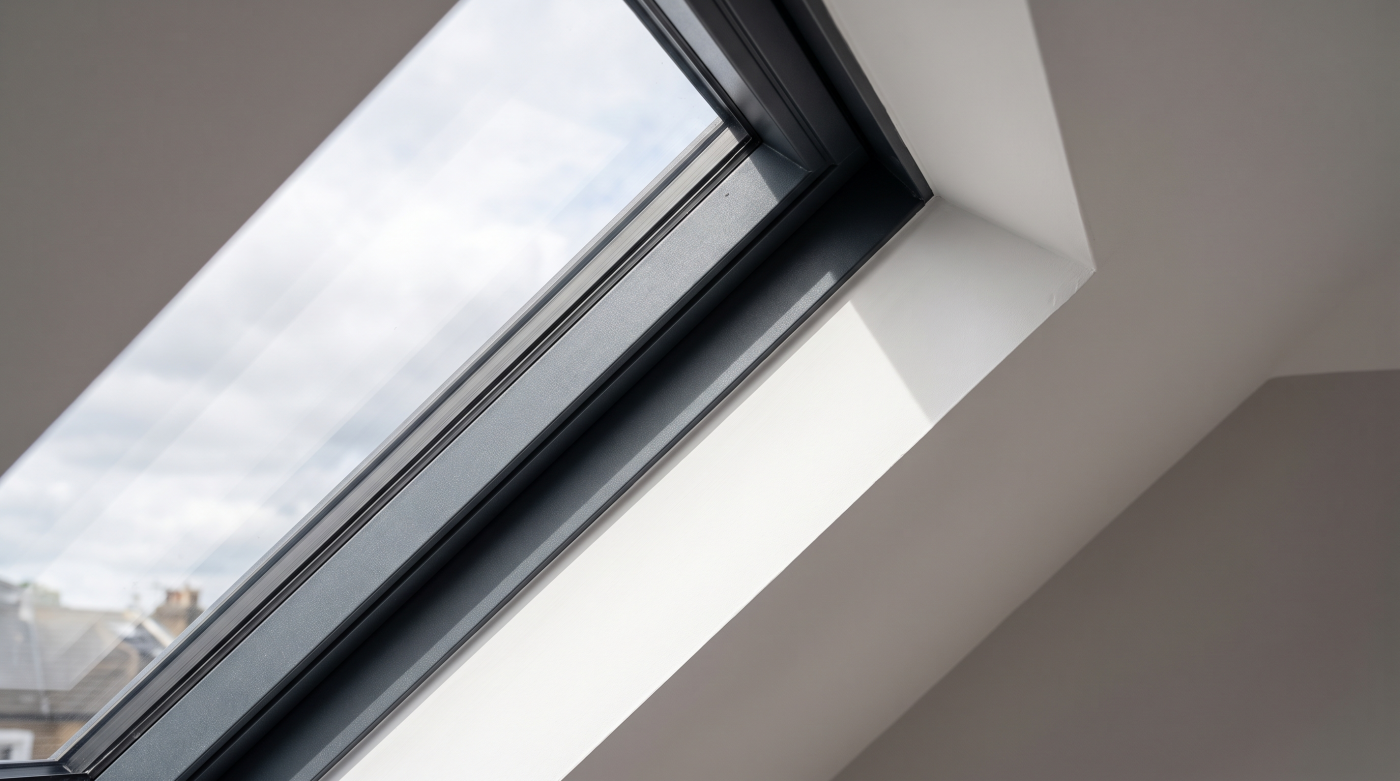
In a loft office, roof geometry introduces further questions about reach, daylight and shading. A high opening can bring light into a deep area while requiring different controls from a vertical window beside the desk. Position it with the screen layout in mind, particularly where direct sun could cross the working surfaces during occupied hours.
Ask for drawings that show movement, handles, furniture and any blinds together. Check cleaning and maintenance access, including the external face, with the selected manufacturer’s instructions. The appropriate window type is one that supports the room’s functions repeatedly, rather than a preferred frame selected first and accommodated later by moving the desk into a compromised working position.
Can a Particular Glass Specification Solve Screen Glare?
Glass can influence the room’s light and heat balance, but it should be assessed alongside layout and shading. Solar-control performance, visible light transmission, reflectance and thermal insulation describe different characteristics. Reducing incoming solar energy does not automatically remove a bright window from the user’s field of view or prevent a reflection in every monitor position.
Review evidence for the actual glass build-up. Saint-Gobain’s solar-control glass information illustrates the relationship between daylight and solar-control choices. Such information can inform the brief, but it is not a room-specific glare assessment or an endorsement of one product for every home office. The proposed assembly and occupied conditions still need consideration.
Assess appearance as well as performance figures. Samples can help the team consider colour and reflectance, while the appropriate modelling or specialist assessment may be needed for a demanding visual brief. A darker-looking pane is not automatically the best solution, particularly if it reduces useful daylight and leaves the room dependent on more artificial lighting.
Keep the intended outcome explicit when comparing proposals. If the primary problem is a reflection from a window directly behind the user, a layout or shading change may be more targeted than replacement. Where new glazing forms part of a wider renovation, select its properties together with those controls. A useful specification explains the contribution of the glass without treating it as the complete visual-comfort strategy.
Which Shading and Blind Arrangements Work Best?
Adjustable light control can help a home office respond to changing sun and sky conditions. Consider whether the objective is to block direct sun, reduce brightness in one part of the view or provide privacy. These functions can require different arrangements. Test how the proposed control would work while the desk is occupied, not only when the room is empty.
HSE’s workstation checklist includes glare, reflections and adjustable window coverings. Use that practical approach to identify the source and test a response. A blind that is difficult to reach or routinely obscures the entire useful view may not support the intended working pattern. Resolve controls, coverage and accessibility before choosing a final arrangement.
External shading may have an important role where direct solar gains are also a concern. Internal controls can offer useful flexibility for brightness and privacy, with performance depending on the product and installation. Coordinate both with window movement and reveals. A blind cassette or fixing detail should not become a late conflict with the selected frame or opening sash.
Review conditions after dark as well as during the day, including video calls if they are part of the brief. Background lighting, internal visibility and screen reflections can change when outside light falls. A coordinated plan gives occupants options rather than one fixed setting for every task. The appropriate solution preserves useful daylight where possible while making the room’s visual conditions manageable.
How Do You Keep the Office Comfortable Without Creating More Glare or Noise?
Assess thermal comfort under normal occupation. Computers, displays and other equipment contribute internal heat, while sunlight and the building’s construction affect conditions through the day. The room may need different strategies in summer and winter. A comfortable specification considers that pattern rather than assuming the thermal performance of a window alone describes the whole environment.
Coordinate solar gains, shading and usable ventilation. Opening windows can provide additional airflow when conditions suit, but outdoor temperature, weather, noise and security affect when they can be used. A home office occupied during calls may have different practical constraints from a spare room. Identify those limitations before relying on a particular opening as the main comfort measure.
Fresh-air provision needs its own clear route. In England, the applicable Approved Document F guidance informs relevant work, with the actual project and ventilation system considered. Distinguish normal air-quality provision from opening windows to remove extra heat. The arrangement should remain appropriate during occupation when larger openings are unavailable or unsuitable.
Test the proposed strategy with the working day in mind. Confirm who operates shading, how accessible openings are and whether artificial lighting adds unwanted reflections. For substantial changes, involve the appropriate designers and retain operating instructions. A useful glazing brief supports conditions the occupant can maintain in practice, rather than a room that only feels satisfactory with equipment switched off and every door left open.
What About Privacy, Outside Noise and the View?
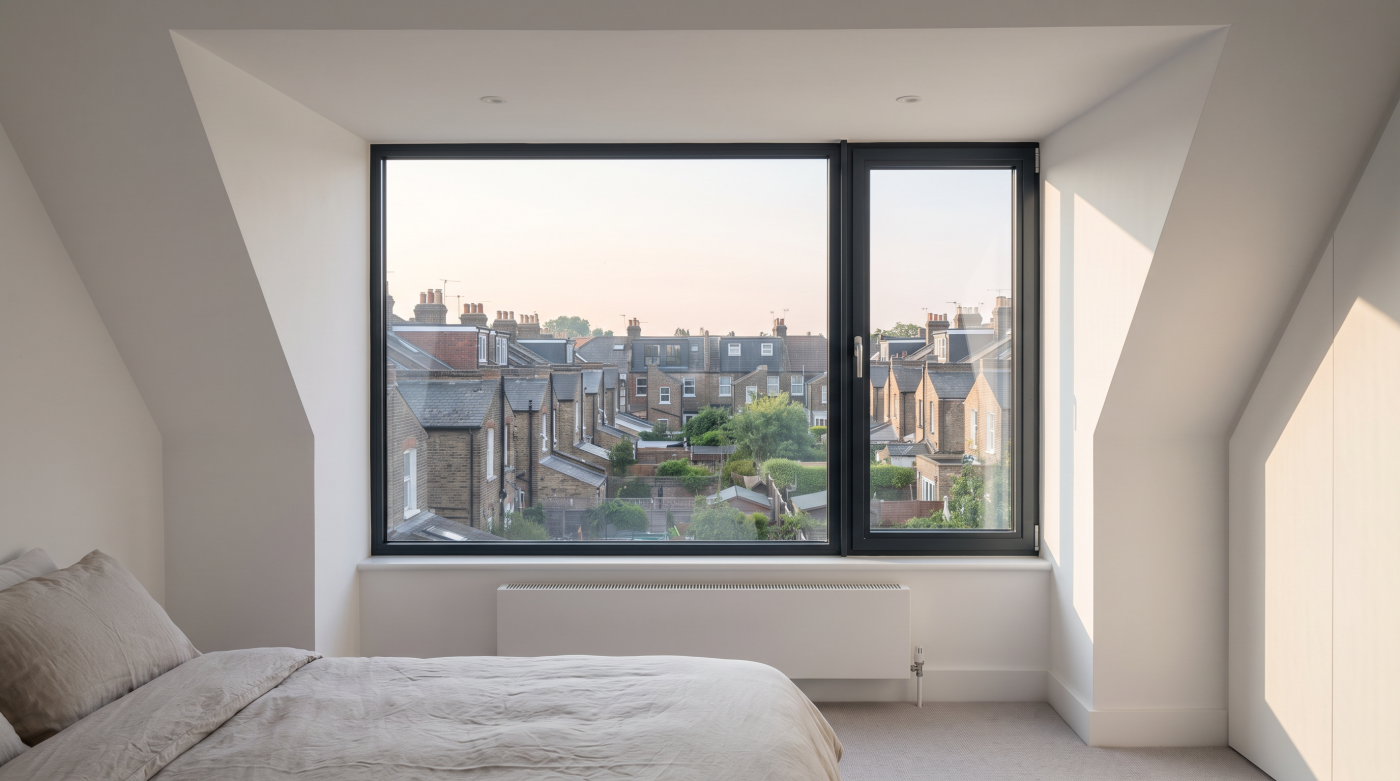
A view can be an important part of the home-office brief, but it needs considering alongside overlooking and screen position. Assess what the occupant can see while seated and what others can see into the room. Privacy requirements may vary between concentrated work, calls and other uses. Window placement and adjustable screening can be considered together to support those priorities.
Check privacy claims under the relevant lighting conditions. A daytime demonstration does not establish what happens when the room is lit after dark. If a particular glass or screen is proposed, ask for its intended function and limitations. Test the relationship with the view rather than assuming that every privacy treatment preserves the same outward visibility.
Noise objectives require appropriate evidence for the complete proposal. Pilkington describes specialist noise-control glazing, but a glass specification alone does not describe every sound path through a room. Frame, seals, installation and ventilation arrangements also need assessment. A performance figure for a closed assembly should not be transferred to its open-window condition.
Where outside noise is a significant issue, obtain an assessment proportionate to the problem before specifying an acoustic solution. Coordinate the ventilation route so the intended benefit remains usable during occupation. The result should be a room where the view, privacy and working conditions have been considered together, with performance claims tied to the actual assembly rather than a general promise of silence.
What Should the Home-Office Glazing Brief Include?
Record the room layout, desk and screen positions, occupied hours and the observed daylight pattern. Identify the purpose of each opening and the required controls. Include shading, glass properties, ventilation, cleaning and maintenance alongside appearance. Show how the proposal works with artificial lighting and whether the room needs flexibility for another desk arrangement or future use.
Review the plan from the occupied positions, ideally testing representative conditions before making irreversible changes. Where replacement is proposed, establish what it addresses that layout or shading cannot reasonably resolve. If several measures are needed, explain their relationship. That makes the recommendation easier to assess and helps avoid spending on a new assembly that leaves the main reflection source unchanged.
Where employment duties apply, the room discussion should connect with the relevant workstation assessment. HSE explains employers’ responsibilities for home workers using display-screen equipment. Glazing advice can support appropriate room design, while the assessment considers the worker’s circumstances and other equipment. A general window recommendation does not replace that process or establish that every workstation requirement has been met.
CBP’s architectural glazing and specification approach brings the building and daily occupation into the same conversation for projects across Bath, Bristol, Wiltshire, Somerset and the Cotswolds. The right outcome may involve a revised layout, suitable shading or an evidenced glazing specification within wider renovation. Start with how the room is used, then select the opening and controls that make that use practical.